Daily or weekly scans
Schedule automated scans that check your Entra ID configuration and surface new risks.
Connect with Microsoft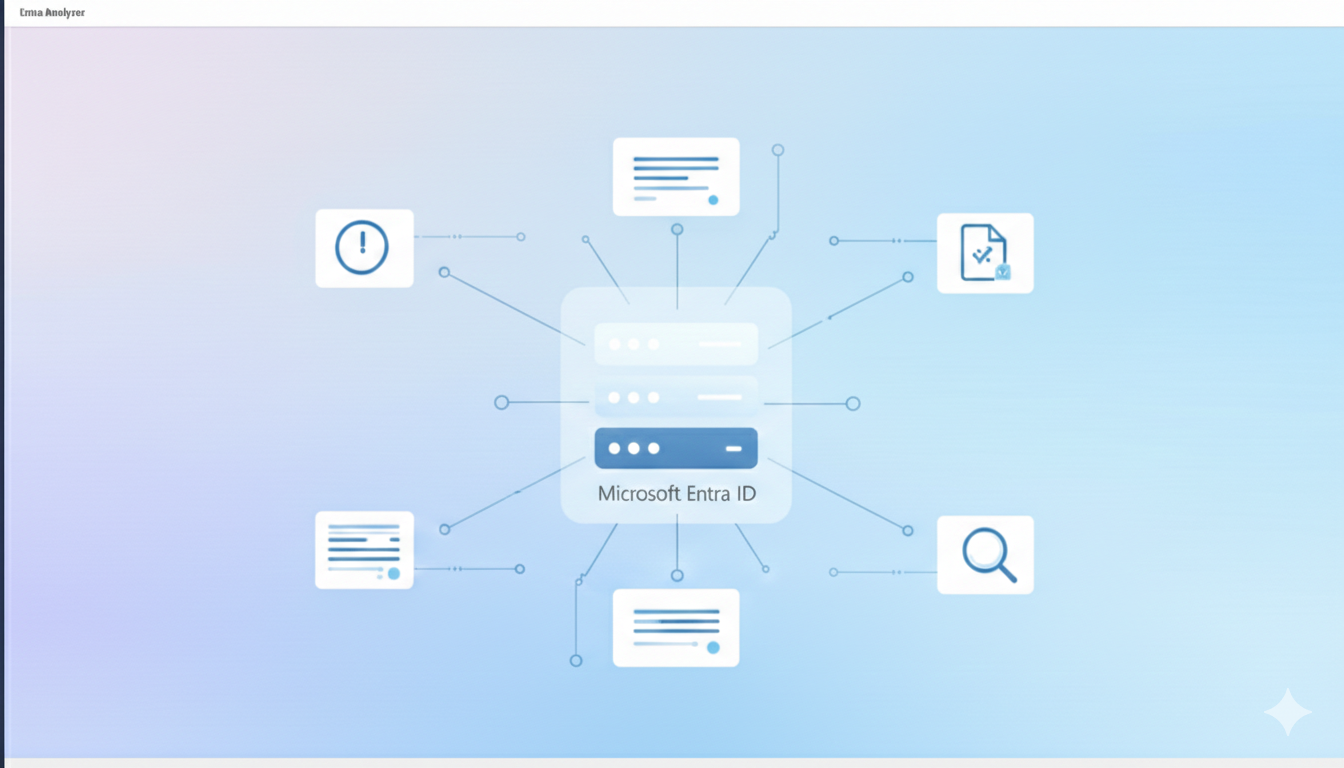
Schedule automated scans that check your Entra ID configuration and surface new risks.
Connect with MicrosoftEvery scan ranks defects by severity so you know exactly what to fix first.
Learn moreGet a clear summary emailed after each scan — forward it to leadership, auditors, or your security team.
Authenticate with your existing Microsoft account and grant read-only access to your Entra ID tenant.
Choose daily or weekly cadence. Entra Analyzer checks for misconfigurations, risky changes, and policy drift.
Receive a clear, prioritized summary with findings and recommended fixes delivered to your inbox.
Enter your email and we'll send you a sample security report with demo data — the same format you'd receive after each scan.
Start free, upgrade when you are ready.
Full access to daily and weekly scans, unlimited findings, and email reports.
Connect with MicrosoftSame features, lower price. Simplify procurement with a yearly subscription.
Connect with MicrosoftAll plans include unlimited findings, email reports, and email support.
No. We only request read-only Microsoft Graph permissions. Entra Analyzer cannot change your configuration.
Sign in with your Microsoft account, grant read-only access, and your first scan can run the same day.
Yes. Every scan produces an email report you can forward to auditors, leadership, or your team.
All data is stored and processed within the EU under strict security controls.
Only read-only permissions such as Directory.Read.All, Policy.Read.All, and AuditLog.Read.All. A full list is shown during onboarding.
Sign in with Microsoft and Entra Analyzer handles the rest.
Connect with Microsoft